Gaming Monitors
See every frame the game sends.
A gaming monitor sets the ceiling for what your PC or console can show you. The right display depends on your hardware, your games, and your budget. Here is what to consider before buying in Canada.
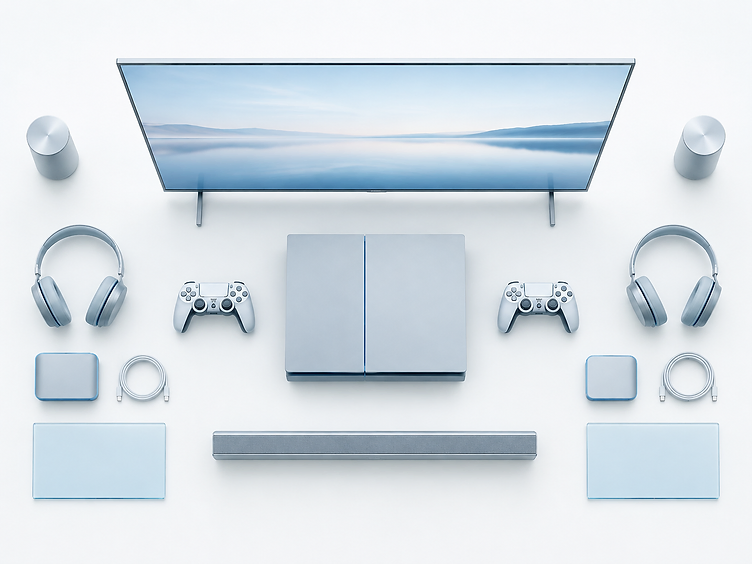
Choosing a monitors
Panel type
IPS panels offer colour and viewing angles; VA panels give deeper contrast; TN panels are fast but pale; OLED delivers near-instant response and true blacks at a premium. Each trades off price, speed, and image quality.
Resolution
Higher resolution means sharper images but demands more from your GPU. 1080p suits budget builds, 1440p balances sharpness and performance, and 4K needs a powerful system to hit high frame rates.
Refresh rate & response time
Higher refresh rates (144Hz and up) produce smoother motion and can improve aim in fast games. Response time affects motion blur — lower is generally better, but real-world performance matters more than the spec sheet.
Adaptive sync
G-Sync and FreeSync match the monitor's refresh rate to your frame rate, reducing screen tearing. Check compatibility with your GPU and console before buying.
Size & aspect ratio
Screen size and viewing distance affect immersion. Ultrawide monitors expand your field of view but need more desk space and GPU power. Match size to how close you sit.
Connectivity & Canadian availability
Verify HDMI 2.1 or DisplayPort for your console or GPU, and buy from Canadian retailers for CAD pricing and warranty support.
Gaming Monitors articles in the works
We publish carefully researched guides one at a time. These are the gaming monitors pieces we're planning next.
Best Gaming Monitors Under $300 in Canada
An independent Canadian buying guide to gaming monitors under $300 — quick picks, a comparison table, what actually matters (1080p vs 1440p, refresh rate, IPS vs VA, features, size), and how to choose.
Read →Best 1440p Gaming Monitors in Canada
An independent Canadian buying guide to 1440p (QHD) gaming monitors — quick picks, a comparison table, what 1440p means, 1080p vs 1440p vs 4K, refresh rate, IPS vs VA vs OLED, size, GPU needs, how much to spend, and how to choose.
Read →What Refresh Rate Do You Actually Need for Gaming?
A planned explainer on monitor refresh rates — how 60Hz, 144Hz, and higher affect gameplay, and when the upgrade is worth it.